Showing posts with label problem. Show all posts

Fixing Proxy/Loading Issues with the Windows 8 App Store

Posted: Monday, 6 April 2015

This is the Windows Store app. Or, at least it would be if it worked. For now, it's just a splash screen...

Well, if would still be a splash screen if it wasn't for the fact that after a long wait, an error message appears.

The one I got first was:

We weren't able to connect to the Store. This might have happened because of a server problem or the network connection might have timed out. Please wait a few minutes and try again. (0x80072ee2)

The next attempt in opening the store app resulted in another error:

We weren't able to connect to the Store. This might have happened because of a server problem or the network connection might have timed out. Please wait a few minutes and try again. (0x80190190)
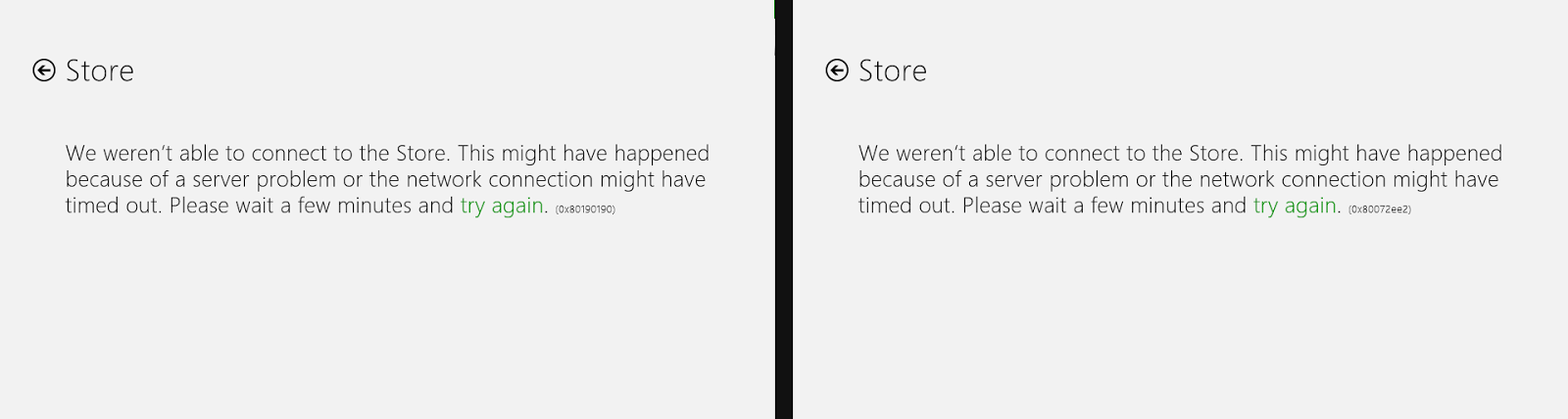
Note how, in both cases, the error code was different...

So if you're currently encountering an error message with the same error codes, then you're in luck, since there is a fix! If the error code and problem is similar (but not exactly the same) then in any case just have a read through and see if your problem gets fixed.


A4 Lined/Ruled Paper Generator

Posted: Monday, 14 October 2013

Most online lined/ruled paper generators tend to include copyright messages, or even large and ugly watermarks.
Well, here's a simple lined/ruled paper generator that you can customize and generate an A4-sized image which contains lines and grids to your hearts content.

Long-time iOS user burn

Posted: Saturday, 4 May 2013

As an Apple user for more then 4 years, I have seen Apple's exceptionally good products suddenly burn and die once a new device comes out. Sure they could optimize and fix bugs on new updates, but every update that you apply to your iPhone, iPod touch, or iPad lags it. I have a second generation iPod touch like many other early adopters of the touch-screen technology (and touch screen apple devices) and it was revolutionary and could run silky smooth, doing what I wanted it to do without any lag. Then the updates kept rolling month after month, until the iPhone 4 was announced, and iOS 4 was released.. Since then, it takes around half a minute to open the music app, longer to read emails and minutes to browser the web on Safari. Turning off spotlight helped with the lag dramatically, but until this day, iOS
4.2.1 is what my iPod touch has been stuck at, and performance isn't perfect (at all).. What Apple did to the device was to cripple the hardware through the software updates, and as an iPhone user, I feel burned and disappointed by Apple for not providing a product that can last.

Tl;dr: I'm disappointed at Apple, they killed a perfectly good iPod touch off

EWOULDBLOCK error code in Windows, c++

Posted: Friday, 15 March 2013

You should be using WSAEWOULDBLOCK instead of EWOULDBLOCK if you're compiling c++ with
#include <winsock.h>