Showing posts with label linux. Show all posts

bchunk v1.2.1 - BinChunker for Windows

Posted: Monday, 8 August 2016

https://github.com/extramaster/bchunk
https://github.com/extramaster/bchunk/releases
https://github.com/extramaster/bchunk/releases/download/v1.2.1/bchunk.v1.2.1.zip
Edit: In case you're unsure of the VirusTotal results, cloning the repo and running "build.bat" (with MSVC - https://www.visualstudio.com/downloads/) should build the application
Otherwise, https://github.com/extramaster/bchunk/releases/download/v1.2.1_repub.1/bchunk.v1.2.1_repub.1.zip
VirusTotal: https://www.virustotal.com/en/file/22335fa68f60fc47378399d7039a778eebe268092c609d53066bf9478f994113/analysis/1476900472/

BinChunker is an application that converts .bin "Disc Image" files to .iso with the help of a .cue file.

The application is unfortunately Unix-only (which includes Mac OS X and Linux) due to the use of a number of non-standard C headers - in fact, the code will fail to compile on a Windows "cross-native" Linux layer like MingW64

$ gcc bchunk.c -o bchunk
bchunk.c:61:24: fatal error: netinet/in.h: No such file or directory
 #include <netinet/in.h>
                        ^
compilation terminated.

Fortunately, a fix has been published by mzex for use of BinChunker on Windows, however it does not come with the source code (only a binary encoded in base64 format).

In the spirit of the GPL, here's a copy of the source code on Github: https://github.com/extramaster/bchunk. Feel free to Fork (or even spin off as a separate repo).
And here's the Windows Binary Download of BinChunker, the GitHub releases system is used: https://github.com/extramaster/bchunk/releases.


Oh, and one more thing, the changes made do not break Linux/Unix builds. So you can compile this version with Linux as usual.


Raspberry Pi - Raspbian Apt Mirrors

Posted: Friday, 20 November 2015

Jump to the list of sources/mirrors (in apt sources.list format)

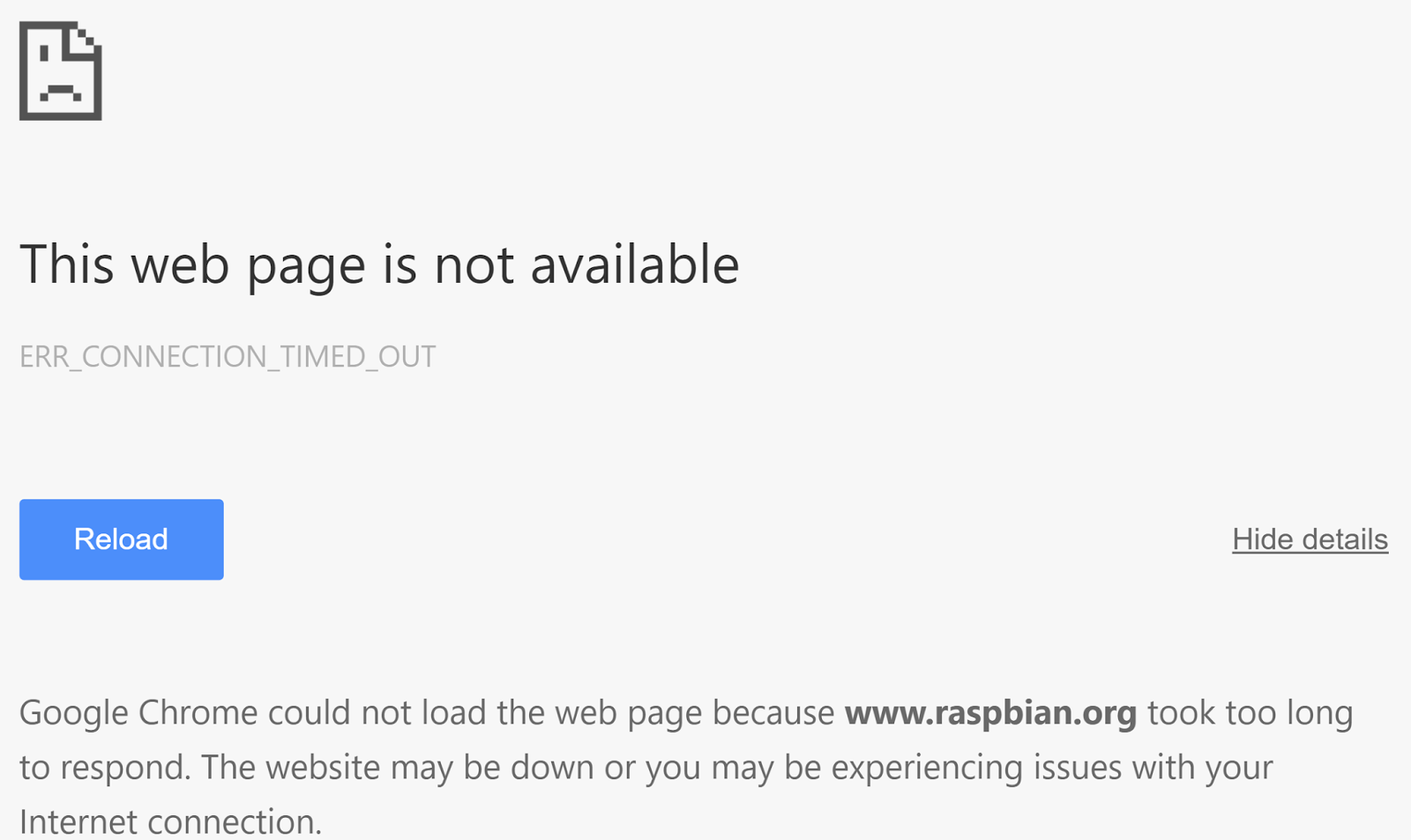
Raspberry Pi's entire website down?


Can't access the Raspberry Pi mirror redirector?


Well, here's a bunch of sources that you can add to /etc/apt/sources.list to get yourself back on your feet - in case of another shutdown of the Raspberry Pi foundation's websites.

Last updated: November 2015. List based on a cache of: http://www.raspbian.org/RaspbianRepository

Jump to the list of sources/mirrors (in apt sources.list format)


Regions & Countries:
  • Europe
    • United Kingdom
    • France
    • Ireland
    • Germany
    • Italy
    • The Netherlands
    • Belgium
    • Switzerland
    • Sweden
    • Portugal
    • Slovenia
    • Austria
    • Hungary
    • Denmark
    • Slovakia
    • Czech Republic
    • Russia
    • Poland
    • Moldova
    • Latvia
    • Lithuania
  • North America
    • United States
    • Canada
  • South America
    • Brazil
    • Colombia
    • Ecuador
  • Oceania
    • Australia
    • New Caledonia
    • Vanuatu
  • Asia
    • Singapore
    • China
    • South Korea
    • Japan
    • Indonesia
    • Israel
    • India
    • Taiwan
    • Bangladesh
    • Philippenes
  • Africa
    • South Africa


It is recommended that you only choose the mirrors that are hosted in the country/region closest to you.

Also, have a copy of the mirror list, but instead of it being the latest debian release, point it to an older version.
i.e.
Have both "deb http://mirror.aarnet.edu.au/pub/raspbian/raspbian jessie main contrib non-free rpi"
and "deb http://mirror.aarnet.edu.au/pub/raspbian/raspbian wheezy main contrib non-free rpi"
in the same file.

Don't forget to "apt-get update" after you have modified "/etc/apt/sources.list"!


North Korea's Red Star OS Mega.co.nz Download

Posted: Friday, 13 February 2015

If you're a little cautious about peer-to-peer downloading, even if it's legal, or dislike the reliance on other slow peers, then here's a download straight off mega.co.nz!

Red Star OS is North Korea's attempt in replicating Apple's Mac OS X operating system, acting as a artificial façade on top of Linux. There's a few security-conscious details that have been added in a delusional attempt to thwart outside security "threats".

So, without further adieu:
redstar_desktop3.0_sign.iso - https://mega.co.nz/#!0dUiAYjC!lils17twxjFjsDBCyPC95OK_Kev_G_8FrZMCDIwislM
MD5: ACF53D2B50ECB1391044B343502BECF5
SHA256: 895AD0E01AE0D35A65E9AC42DD34D0A1D685D6DFA331CE5B4F24BBC753439BE3

Mega.co.nz
Red Star OS
North Korea
Operating System Download

How to speed up Ubuntu 13.04 on VMware

Posted: Sunday, 15 September 2013

If you've ever used Ubuntu with VMware and have been consistently frustrated by the amount of lag that comes with each and every incremental distribution (as a result of additional features added into Ubuntu, such as the eye-candy UI, Unity), then fear not, here's a few simple way to solve the issue of lag regarding virtualized usage of Ubuntu: