Showing posts with label error. Show all posts

Raspberry Pi - Raspbian Apt Mirrors

Posted: Friday, 20 November 2015

Jump to the list of sources/mirrors (in apt sources.list format)

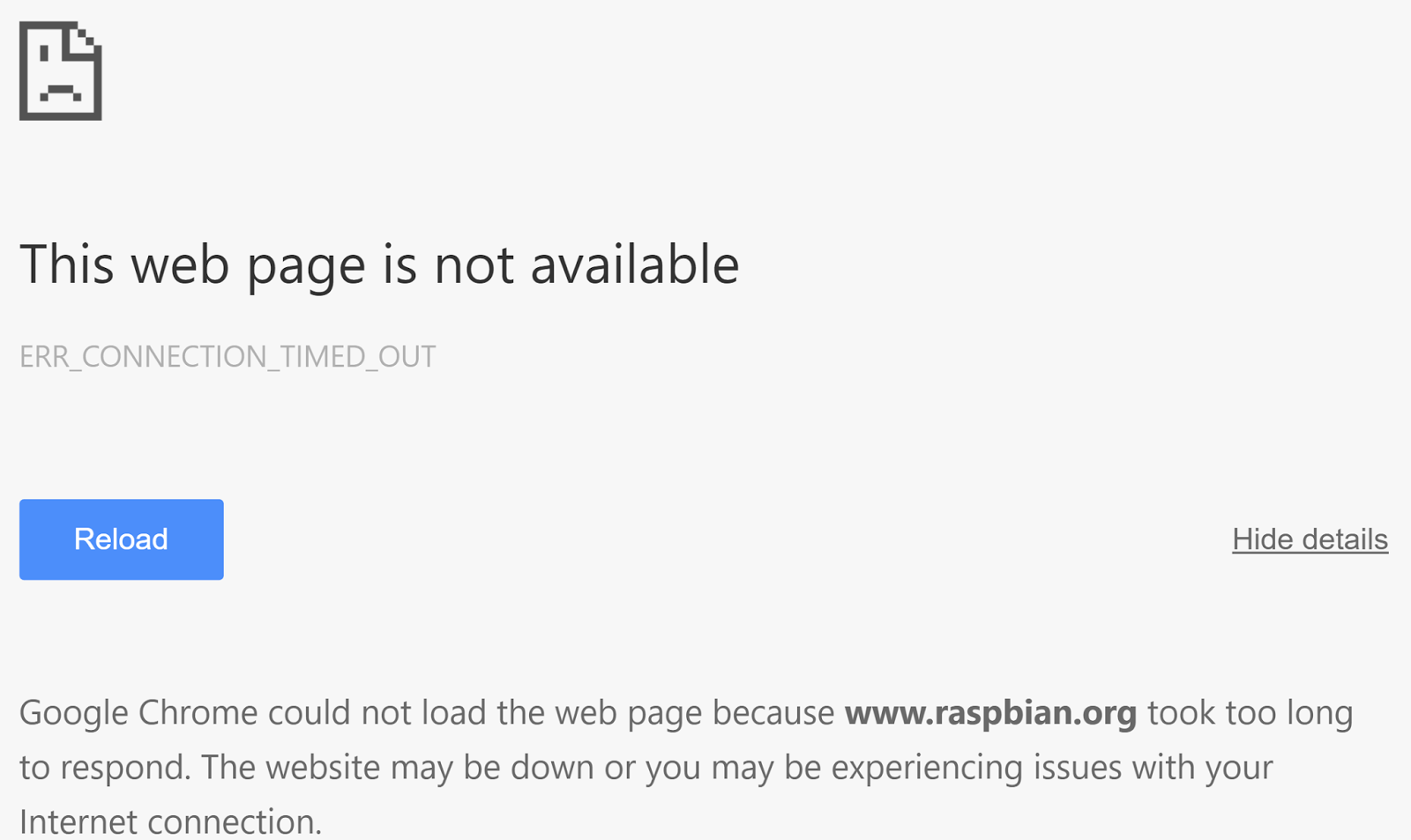
Raspberry Pi's entire website down?


Can't access the Raspberry Pi mirror redirector?


Well, here's a bunch of sources that you can add to /etc/apt/sources.list to get yourself back on your feet - in case of another shutdown of the Raspberry Pi foundation's websites.

Last updated: November 2015. List based on a cache of: http://www.raspbian.org/RaspbianRepository

Jump to the list of sources/mirrors (in apt sources.list format)


Regions & Countries:
  • Europe
    • United Kingdom
    • France
    • Ireland
    • Germany
    • Italy
    • The Netherlands
    • Belgium
    • Switzerland
    • Sweden
    • Portugal
    • Slovenia
    • Austria
    • Hungary
    • Denmark
    • Slovakia
    • Czech Republic
    • Russia
    • Poland
    • Moldova
    • Latvia
    • Lithuania
  • North America
    • United States
    • Canada
  • South America
    • Brazil
    • Colombia
    • Ecuador
  • Oceania
    • Australia
    • New Caledonia
    • Vanuatu
  • Asia
    • Singapore
    • China
    • South Korea
    • Japan
    • Indonesia
    • Israel
    • India
    • Taiwan
    • Bangladesh
    • Philippenes
  • Africa
    • South Africa


It is recommended that you only choose the mirrors that are hosted in the country/region closest to you.

Also, have a copy of the mirror list, but instead of it being the latest debian release, point it to an older version.
i.e.
Have both "deb http://mirror.aarnet.edu.au/pub/raspbian/raspbian jessie main contrib non-free rpi"
and "deb http://mirror.aarnet.edu.au/pub/raspbian/raspbian wheezy main contrib non-free rpi"
in the same file.

Don't forget to "apt-get update" after you have modified "/etc/apt/sources.list"!


Resolving a non-functional redirect in Flask

Posted: Thursday, 2 October 2014

So I recently encountered an interesting issue in Flask, and one that's quite simple to solve, looking at it now.

But Google Chrome returned a "Failed to load response data" message, when preforming a 301 redirect in Flask...

Location of agent.exe

Posted: Saturday, 14 September 2013

If you're just using your computer and you run into a bit of lag whilst changing a song or while you're just browsing the internet, and open up task manager to investigate the issue, just to see a program called "agent.exe" hog some cpu.
Then the best way to solve this issue is to either uninstall DragonNaturally Speaking, or by taking the recommended route of blocking it within your Firewall...
The program can be found at these paths:
C:\ProgramData\FLEXnet\Connect\11\agent.exe
C:\Program Files\FLEXnet\Connect\11\agent.exe
C:\Program Files\Common Files\InstallShield\UpdateService\agent.exe
C:\Program Files (x86)\Common Files\InstallShield\UpdateService\agent.exe
Block those files from accessing the internet from your Firewall and you're all set... No more lag!

EWOULDBLOCK error code in Windows, c++

Posted: Friday, 15 March 2013

You should be using WSAEWOULDBLOCK instead of EWOULDBLOCK if you're compiling c++ with
#include <winsock.h>